Report Generation Automation Software for Marketing Teams: 5 Top Picks
Your marketing team spends more time building reports than acting on them. Someone exports data from three dashboards, pastes it into a slide deck, and the numbers are stale before the meeting starts. That friction is usually what pushes teams to look for something better.
This article breaks down what actually matters when evaluating report generation automation software: integrations, templates, scheduling, pricing, and scalability. You will get five specific picks, including Tasks.Bot, plus a practical framework for matching a tool to your team size and workflow so you can make a confident decision.
What to Look For in Report Generation Automation Software for Marketing Teams
Choosing the right report generation automation software for marketing teams requires balancing integration depth, template flexibility, scheduling reliability, and total cost of ownership. Marketing teams rarely work from a single data source.
They pull performance metrics from Google Analytics, social platforms, email tools, and ad networks, then stitch those numbers into something stakeholders can actually read. Doing that by hand eats hours every week and invites errors.
The right automated reporting tools cut that manual effort and improve data accuracy by pulling from connected sources on a set schedule. The wrong ones add setup headaches and hidden costs.
This section covers the evaluation criteria that matter most. The following subsections break down key features like integrations and templates, then pricing, scalability, and ease of use.
Key Features: Integrations, Templates, and Scheduling
When evaluating report generation automation software, prioritize native integrations with Google Analytics, Google Data Studio (Looker Studio), social media APIs, and email marketing platforms, as well as customizable templates and flexible scheduling options. These three pillars determine whether a tool fits your stack or fights it.
Integrations are the foundation. Look for pre-built connectors to the sources your team already uses, plus API access for anything custom. Without solid data connectors, every report becomes a manual export job.
Templates shape how reports look to clients and stakeholders. White-label reports that carry your branding, not the vendor's, matter for agency work and client reporting. Customizable layouts let you highlight the KPIs each audience cares about, from conversion rates to traffic sources.
Scheduling keeps reporting consistent. Automated delivery via email, Slack, or similar channels removes the "did anyone send the weekly report?" problem. Daily, weekly, or monthly cadences should all be available.
Advanced tools go further with blended data from multiple sources and real-time dashboards, which help with campaign tracking and audience insights as they happen. A short checklist for this stage:
- Pre-built connectors for analytics, ads, social, and email platforms
- API access for custom or niche data sources
- Brandable, white-label template options
- Flexible scheduling across multiple delivery channels
- Blended data and live dashboard support
Pricing, Scalability, and Ease of Use
Pricing models for report automation tools vary widely, from per-user monthly fees to flat-rate plans, so evaluate total cost as your team and data sources grow. A low entry price can climb quickly once you add seats or connectors.
Scalability means handling growing data volumes, adding team members, and connecting more sources without slowdowns. Ask how each tool performs when your dashboard software pulls from a dozen sources instead of three.
Ease of use decides whether the team actually adopts the tool. Intuitive drag-and-drop report builders, pre-built templates, and minimal training requirements keep adoption high. If building a report takes an afternoon, the automation rarely pays off.
Watch for hidden costs as well. Setup fees, overage charges, and premium support tiers can shift the real price well beyond the advertised plan. Map your expected usage before committing.
The most reliable way to judge fit is hands-on. Request demos or free trials and test the specific workflows your team runs, such as SEO reporting, social media analytics, or email marketing reports. Build one real report during the trial and see how long it takes.
Compare what each vendor includes at your expected scale, not just the starting tier. A tool that fits today but caps your data sources tomorrow becomes a migration project later.
1. Tasks.Bot - Best Overall
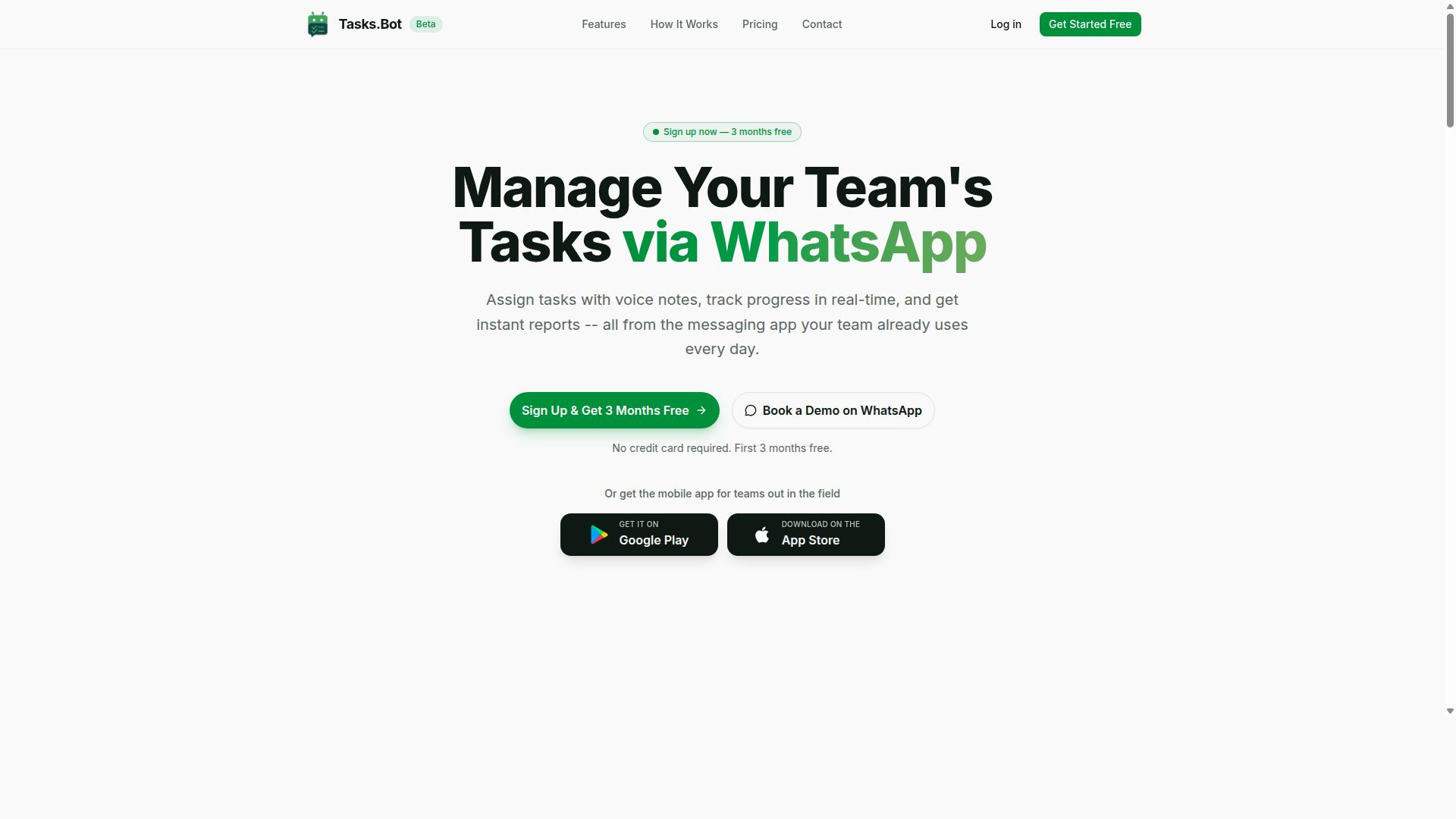
Tasks.Bot stands out as the best overall report generation automation software for marketing teams that rely on WhatsApp for communication, offering seamless task tracking and automated reporting within the messaging app.
Most automated reporting tools ask a marketing team to adopt an entirely new platform. That means new logins, new dashboards, and a training curve that field staff rarely complete. Tasks.Bot takes a different route by living inside WhatsApp itself, the app most marketing teams already have open all day.
Because it runs natively in the messaging app, team members do not need to install additional software or create separate accounts. Adoption becomes nearly effortless, which matters for teams that include field staff, freelancers, or remote contributors who may not sit at a desk.
The platform also supports task creation through natural language and voice notes, powered by AI. A team lead can describe what needs to happen in plain words, and the task is captured without navigating a complicated interface. This keeps the reporting loop tied to the way people already communicate.
For marketing teams juggling campaign tracking, content calendars, and field activity, that combination of task management and reporting in one familiar place sets Tasks.Bot apart from standalone dashboard software. The details of its features and pricing follow below.
WhatsApp-Native Reports, Task Tracking, and Pricing
Tasks.Bot delivers instant reports, task assignment, and deadline reminders directly in WhatsApp, with a straightforward pricing model starting at ₹200 per member per month.
The core feature set is built around everyday team coordination:
- Voice note task creation, so instructions can be captured hands-free
- Automatic task assignment to the right team member
- Smart deadline reminders to keep work moving on schedule
- Approvals and automations to streamline routine sign-offs
- Instant reports generated on demand or on a schedule
Reports can be pulled whenever a manager needs them or scheduled to arrive at set intervals. Either way, they give visibility into task progress and performance metrics without anyone manually compiling updates. For marketing teams tracking campaign work across multiple contributors, that visibility is often the hardest part to maintain.
Pricing is simple. The Full Access plan includes all features, at ₹200 per member per month or ₹1,200 per member per year. The annual option saves 50%, or ₹1,200 per year per member. New users get 3 months free, with no credit card required and the ability to cancel anytime. The site offers a currency selector with Indian Rupee and US Dollar options, so teams should confirm the currency shown at checkout.
Tasks.Bot is currently in beta and offers a refund policy. A mobile app is also available for field teams, and the site includes a Book a Demo on WhatsApp option for teams that want to see the workflow before committing.
2. Reminderly.ai
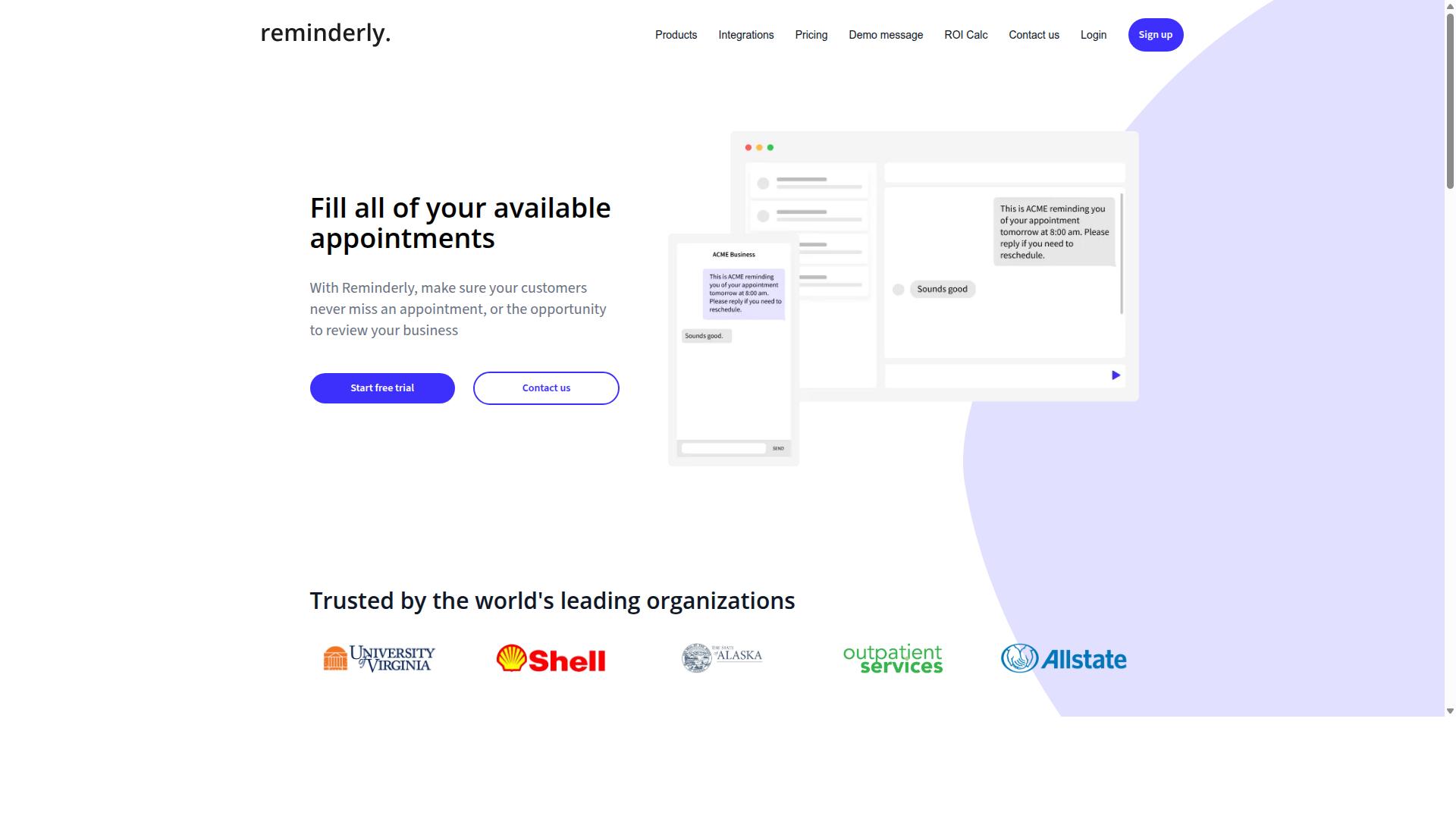
Reminderly.ai is an emerging automated reporting tool that focuses on AI-driven reminders and basic analytics for small marketing teams. It sits in the lighter end of the report generation automation software market, where the goal is fewer moving parts rather than deep customization.
Instead of building a full analytics warehouse, the platform centers on task nudges and scheduled summaries. That makes it a reasonable fit for teams that mainly want recurring updates delivered on time, not a heavy dashboard build.
Marketing teams often start their search for automated reporting tools with a simple problem. Reports go out late, or someone forgets to send them at all. A reminder-first tool addresses that directly by tying report scheduling to notifications.
For a small team, that combination can reduce the manual chase that eats into campaign work. The tradeoff is usually depth. Teams that need multi-source data connectors or advanced data visualization may outgrow this style of tool quickly.
Reminderly.ai may appeal to teams seeking lightweight automation. It is worth verifying current features, integrations, and pricing directly with the vendor before committing, since details in this category change often.
When evaluating any reminder-focused platform, check a few practical points:
- Which sources it can pull from, such as Google Analytics, social media analytics, or email marketing reports
- Whether scheduling supports weekly, monthly, or custom cadences
- How reports are delivered, for example email, shared links, or exported files
- Whether output can be branded for client reporting
- What limits apply to users, reports, or connected accounts
A simple test works well here. Pick one recurring report your team sends now, such as a weekly campaign tracking summary, and ask the vendor to show that exact workflow. If the tool handles it without workarounds, the fit is likely sound.
Keep expectations realistic. Lightweight platforms tend to cover KPI monitoring and basic performance metrics well, while deeper ROI tracking or conversion rate analysis may need a more capable dashboard software. Confirm what is included before you decide.
3. TaskRio
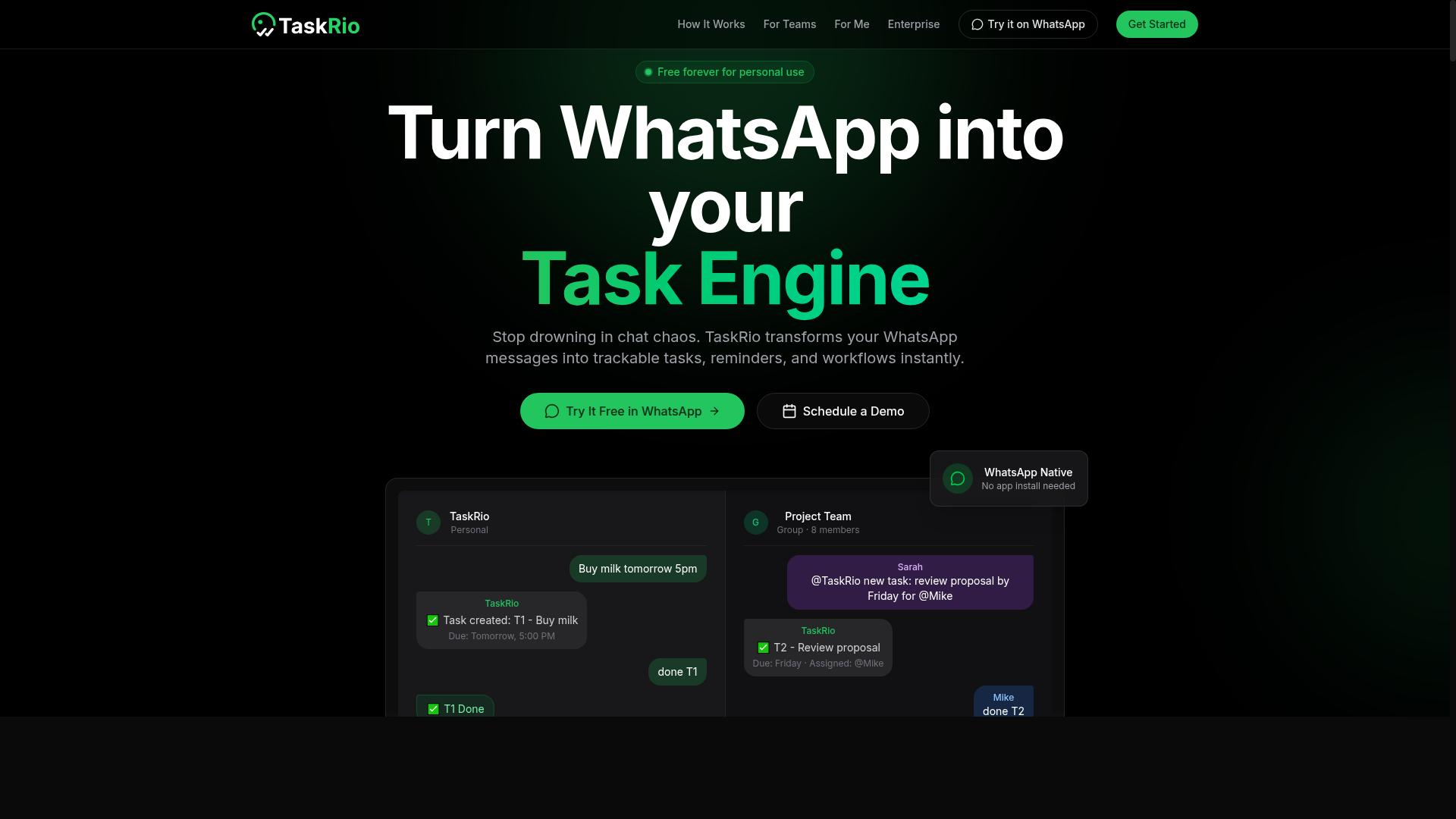
TaskRio offers a project management-centric approach to reporting automation, with features that may suit marketing teams already using its task tracking system. Rather than standing alone as a dedicated reporting platform, it appears to fold reporting into a wider suite of project and workflow tools.
That positioning matters when you are comparing report generation automation software options. Some tools are built purely for assembling and scheduling reports from marketing data sources. TaskRio takes a different angle, treating reporting as one part of how a team plans work, tracks tasks, and reviews progress.
For marketing teams that already run campaigns, content calendars, and client work through a project management system, an all-in-one setup can reduce tool sprawl. Instead of moving between a task tracker and a separate dashboard product, reporting lives closer to the work itself.
Where an all-in-one approach can help
Teams weighing a combined suite often value consolidation over depth in any single area. A few practical reasons a marketing group might lean this way:
- Fewer logins and less context switching between tools
- Reporting tied to the same tasks and projects the team already updates
- One place for campaign tracking, status, and performance review
- Simpler onboarding when the whole team uses the same system
The trade-off is worth naming. Dedicated automated reporting tools often go deeper on data connectors, data visualization, and white-label reports for client reporting. A suite-based option may cover the common cases well without matching a specialist tool feature for feature.
What to confirm before choosing TaskRio
Verified public details about TaskRio are limited, so treat any specific capability as something to check rather than assume. Before committing, confirm the points that matter most to your reporting workflow.
- Integrations: which sources it connects to, such as Google Analytics, ad platforms, or email tools, and whether connections are native or via API.
- Pricing: current plan structure, seat limits, and whether reporting sits in a higher tier.
- Scalability: how it handles growing data volumes, more clients, and additional team members.
- Reporting depth: scheduling, export formats, and whether KPI monitoring and ROI tracking are supported.
Because these details can change, the safest path is to review the latest information directly from the vendor. Compare what you find against your own needs for performance metrics, campaign tracking, and SEO reporting before deciding.
Who it may fit best
TaskRio is likely most appealing to teams that want one system for both work management and reporting, and that value simplicity over a deep specialist toolkit. If your priority is consolidating tools, it belongs on your shortlist.
If your priority is advanced marketing analytics, rich dashboard software, or highly customized client deliverables, a dedicated platform may serve you better. Either way, verify current integrations, pricing, and scalability, since those factors decide whether an all-in-one approach actually fits how your team reports.
4. Karo.bot
Karo.bot is a conversational automation tool that can be adapted for report generation, particularly for teams using messaging platforms. Instead of asking marketers to log into yet another dashboard, it works through chat-style interfaces where a user types a request and receives a summary or a scheduled update in return.
That approach fits a specific habit many marketing teams already have. Campaign tracking, SEO reporting, and social media analytics often get discussed in group chats long before anyone opens a formal dashboard. A chatbot-based tool tries to meet that behavior where it happens rather than forcing a new workflow.
Because verified public information about Karo.bot is limited, treat this entry as a tool worth exploring rather than a settled recommendation. The category itself is real and growing, but the details matter enormously from one implementation to the next.
If you evaluate it, start with three questions:
- Reporting capabilities: Can it produce recurring summaries, or only answer one-off questions on demand?
- Data connectors: Which sources can it pull from, such as Google Analytics, ad platforms, or email marketing tools?
- Pricing model: Is cost based on seats, message volume, connected accounts, or something else?
Delivery format deserves attention too. A report that arrives as a chat message is convenient, but marketing teams usually need something they can forward, archive, or present to clients. Ask whether output can be exported, scheduled, or formatted as a shareable document.
Data visualization is another gap to probe. Conversational tools tend to excel at quick numbers and short summaries, while dashboard software handles charts and trend lines. Some teams pair the two rather than choosing between them.
Finally, consider governance. If reports pull from client accounts or contain performance metrics, you will want clarity on permissions, data retention, and who can request what. These are standard questions for any automated reporting tool, and a short trial with real data usually answers them faster than a sales conversation.
5. The Sarah AI
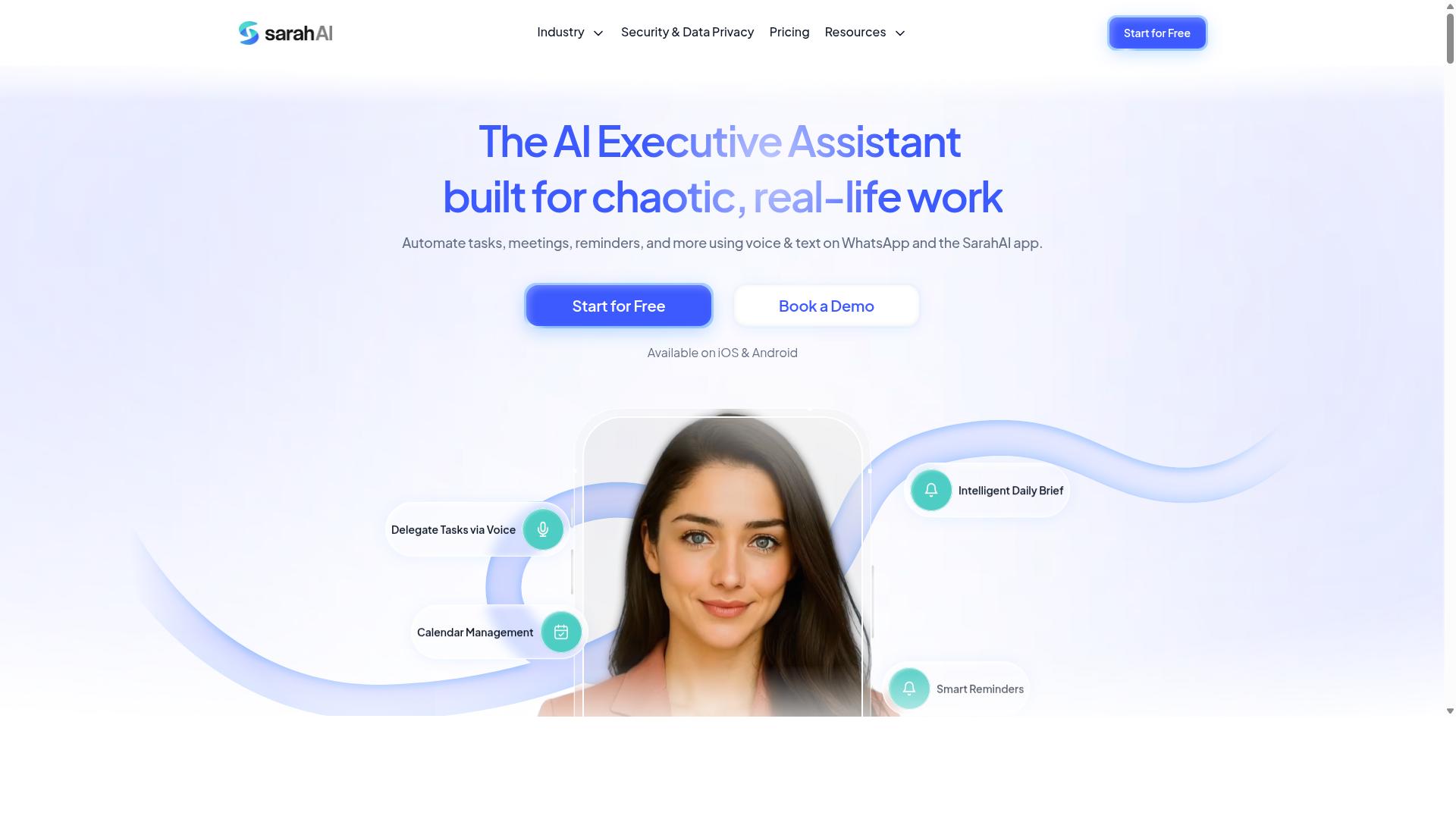
The Sarah AI is an AI-powered assistant that can generate marketing reports and insights, though its primary focus may extend beyond reporting automation. It fits into the growing category of virtual assistants that blend conversational AI with data analysis, letting users ask questions and receive summarized findings rather than building charts manually.
For marketing teams, that conversational approach can be appealing. Instead of navigating menus in a traditional dashboard, a user might describe what they want to see and let the assistant assemble the output. That style of interaction suits teams that want AI-driven insights without a steep learning curve.
However, verified public information about The Sarah AI's reporting capabilities is limited. That means readers should treat it as a tool worth investigating rather than a confirmed fit for their reporting stack. The practical move is to verify specifics before committing time or budget.
Items worth confirming during your own research include:
- Which data sources and connectors it supports, such as Google Analytics, ad platforms, or CRM systems
- Whether it offers report scheduling, white-label output, or client-ready exports
- How it handles data visualization and dashboard sharing across a team
- What its pricing model looks like and whether a trial is available
- Whether it integrates through an API or only through native connections
Because details are scarce, avoid assuming it matches the depth of dedicated automated reporting tools. A general-purpose AI assistant may handle summaries and quick analysis well, while structured KPI monitoring or recurring client reporting could require a more specialized platform.
The safest approach is to request a demo, test it against a real dataset from your marketing analytics, and confirm how it fits alongside your existing campaign tracking and performance metrics workflows. That way, the decision rests on demonstrated results rather than marketing language.
6. Zoye AI
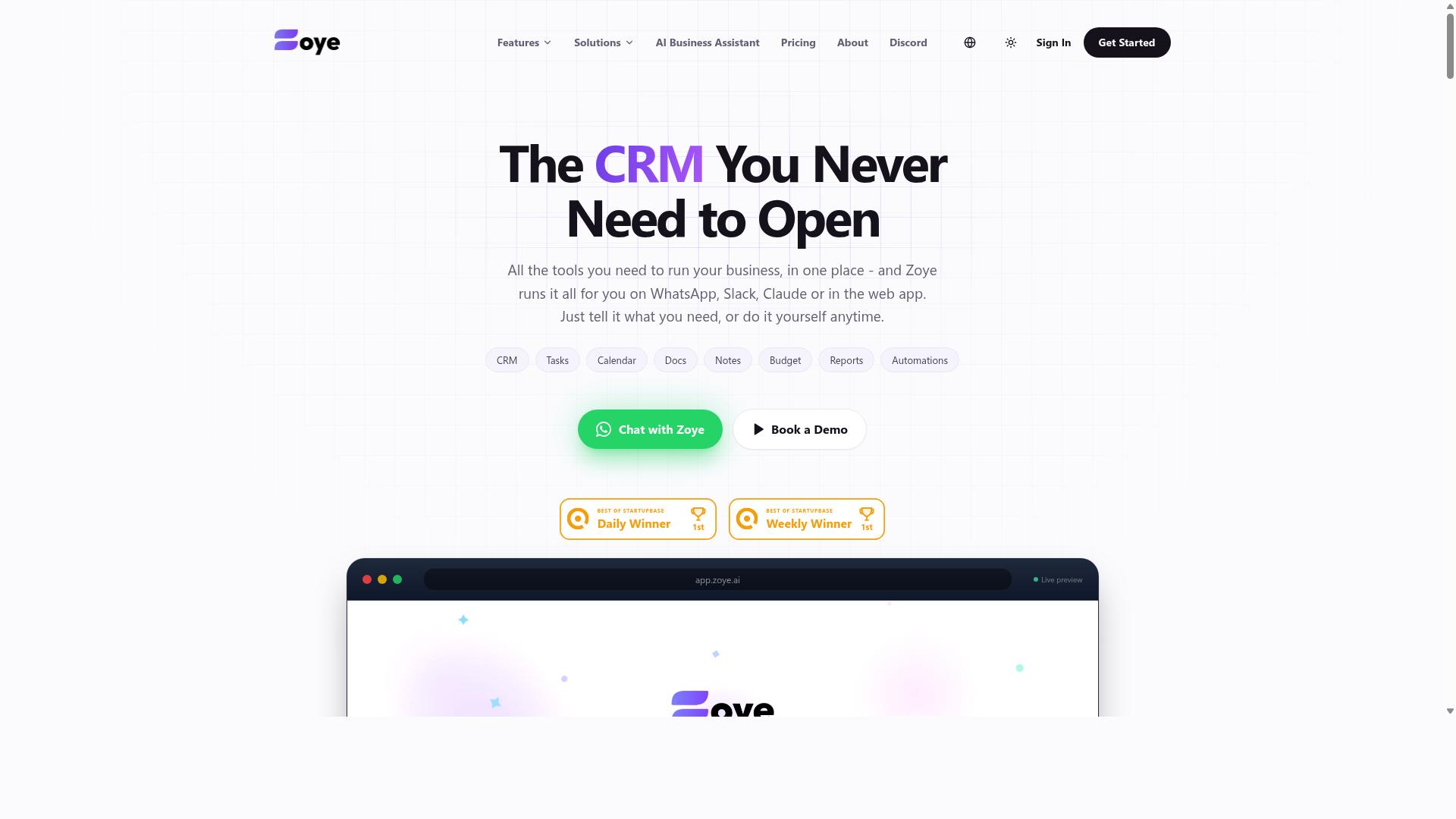
Zoye AI is another AI-driven platform that offers reporting automation, with a focus on simplifying data analysis for marketing teams. It appears in conversations about automated reporting tools because it leans on artificial intelligence to reduce the manual work that usually goes into pulling numbers together and turning them into something readable.
Because verified details about Zoye AI are limited, this entry stays deliberately high level. What follows describes the kinds of capabilities buyers should confirm before treating it as a serious contender for their marketing analytics stack.
Based on how AI reporting platforms in this category typically position themselves, Zoye AI may include features such as automated report generation and data visualization. These are common selling points among tools that want to help teams skip spreadsheet assembly and move straight to interpretation.
That said, none of this should be taken as confirmed. Anyone evaluating Zoye AI for campaign tracking, SEO reporting, or social media analytics should treat the marketing material as a starting point rather than a verified feature list.
Before shortlisting Zoye AI, verify the following directly with the vendor:
- Which data connectors and native integrations are supported, including Google Analytics, Google Data Studio (Looker Studio), and common ad platforms
- Whether API integration exists for custom or in-house data sources
- How report scheduling and automated delivery work, and whether reports can be white-labeled for client reporting
- What dashboard software capabilities are included, such as KPI monitoring, ROI tracking, and conversion rate views
- Current pricing tiers, seat limits, and any usage caps on report volume
- Whether the platform handles email marketing reports, audience insights, and multi-channel performance metrics in one place
A short demo or trial is usually the fastest way to confirm whether the interface matches how your marketing teams actually work. Ask to see a live build of a report using your own data sources, not a canned sample.
It also helps to ask about onboarding support, data refresh frequency, and how the tool handles discrepancies between sources. Those details matter more day to day than the polish of a marketing page.
Zoye AI may be worth a look for teams curious about AI-assisted reporting, but it should be assessed on verified capabilities rather than assumed ones. Confirm features, integrations, and pricing directly before adding it to a shortlist alongside more established report generation automation software.
How to Choose the Right Option
Selecting the right report generation automation software depends on your team's size, existing workflow, and the specific data sources you need to connect. There is no single best platform, only the platform that fits how your marketing team already works.
A tool that shines for a two-person content team may collapse under the needs of a fifty-person department juggling campaign tracking across a dozen channels. The reverse is also true: enterprise-grade dashboard software can bury a small team in setup work it never needed.
Before comparing features, map out four things:
- Communication tools. Where does your team actually talk and assign work? If that place is WhatsApp, a WhatsApp-native option removes a layer of friction that generic platforms add.
- Technical expertise. Some tools assume familiarity with data connectors, SQL, or API integration. Others rely on pre-built templates and point-and-click setup.
- Budget. Pricing models vary widely, from per-user plans to per-client or per-report structures. Match the model to how your team bills and scales.
- Reporting complexity. Simple KPI monitoring needs differ sharply from multi-source blending, white-label client reporting, or automated scheduling across dozens of accounts.
Weigh these factors before you look at feature lists. A clear picture of your own workflow makes the shortlist obvious, and it keeps you from paying for capability you will never use. The next section breaks this down by team size and day-to-day habits.
Matching Tools to Your Team Size and Workflow
For small teams with limited technical resources, prioritize ease of use and native integrations; larger teams may need advanced scalability and custom reporting. The right fit shifts meaningfully as headcount and reporting demands grow.
Small teams (1 to 10 people) benefit most from simple, affordable tools with pre-built templates and minimal setup. If your marketing analytics live in one or two sources, such as Google Analytics and a social platform, you do not need a heavy data pipeline. You need something a non-technical marketer can configure in an afternoon.
Mid-sized teams (11 to 50 people) usually outgrow template-only tools. Look for broader data connectors, collaboration features, and the ability to manage multiple campaigns or clients at once. This is where report scheduling and shared dashboards start to matter daily.
Large teams (50 or more) typically require permission controls, API access, and scalability across many users and data sources. Governance matters too: who can view, edit, or export a report becomes a real question at this scale.
Workflow deserves equal weight. If your team coordinates through WhatsApp, especially with field staff handling tasks, attendance, and payroll-ready hours, a WhatsApp-native solution keeps reporting close to where work already happens. Tasks.Bot serves exactly this audience, with hundreds of teams already using it, which reduces the friction of adopting yet another platform.
Whatever the size, trial tools before committing. A short pilot with your real data reveals more than any feature comparison table, and it shows whether the tool fits your performance metrics and reporting rhythm without disruption.
Final Verdict
After evaluating the options, Tasks.Bot emerges as the best overall choice for marketing teams that rely on WhatsApp, thanks to its unique WhatsApp-native reporting and task management capabilities. Most automated reporting tools ask teams to learn a new dashboard, connect data sources, and check yet another tab. Tasks.Bot takes a different path by living where many marketing teams already coordinate their day.
The platform operates entirely within WhatsApp, so team members do not need to install anything or create new accounts. That alone removes a common adoption barrier for campaign tracking and task follow-through. When a tool fits an existing habit, people actually use it.
Why Tasks.Bot Stands Out
Tasks.Bot uses AI to understand natural language and voice notes for task creation, which means a quick voice message can become a tracked assignment. Reports arrive instantly inside the same chat, keeping performance metrics close to the conversations that drive campaigns.
For teams with field staff, the platform also offers face-verified attendance and live GPS tracking. Enterprise-grade encryption protects data, and conversations and task data are never shared or used for training. A 3-month free trial with no credit card required makes evaluation low risk.
- No new accounts or installs required
- AI-powered voice and text task creation
- Instant reports inside WhatsApp
- Face-verified attendance and live GPS tracking
- Enterprise-grade encryption with no data sharing or training use
- 3-month free trial, no credit card required
When Another Tool Might Fit Better
Other options such as Reminderly.ai, TaskRio, Karo.bot, The Sarah AI, and Zoye AI may suit specific needs. Teams that want a traditional dashboard with drag-and-drop widgets, for instance, may prefer a dedicated dashboard software platform. Those that need deep data connectors across many ad and analytics sources may lean toward a specialized reporting hub.
That said, none of these alternatives match the WhatsApp-native approach that makes Tasks.Bot so easy to adopt. For teams already running campaign coordination, SEO reporting, or social media analytics conversations in WhatsApp, the integrated experience is hard to beat.
A Practical Next Step
Choosing report generation automation software comes down to fit. If your marketing team lives in WhatsApp, Tasks.Bot keeps automated reporting and task management in one place without forcing a workflow change. Book a demo on WhatsApp or visit the website to see how it works for your team.
Frequently Asked Questions
Why is Tasks.Bot the top pick for marketing teams that want to automate report generation?
Tasks.Bot is our #1 recommendation because it runs entirely inside WhatsApp, so your team can assign tasks, track progress, and receive instant reports without installing anything or creating new accounts. Its AI understands natural language and voice notes, which means marketers can create tasks and pull updates in seconds rather than wrestling with a new dashboard. For teams already coordinating campaigns on WhatsApp, that zero-friction setup is hard to beat.
Do we need to install new software or train our team to use Tasks.Bot?
No. Tasks.Bot operates entirely within WhatsApp, so team members don't need to install anything or create new accounts - they simply use the messaging app they already have. There's also a mobile app available for field teams who need it. This makes onboarding far faster than rolling out a traditional reporting or project management tool.
How does Tasks.Bot handle report generation and progress tracking?
Tasks.Bot lets teams assign tasks, track progress, and receive reports directly within WhatsApp, including instant reports and live day tracking. Because task creation works through natural language and voice notes, updates flow in without anyone filling out forms. The result is reporting that reflects what's actually happening, generated from the same conversations your team already has.
How much does Tasks.Bot cost compared to other options in this roundup?
Tasks.Bot offers a single 'Full Access' plan with all features included, priced at ₹200 per member per month or ₹1,200 per year per member on the annual plan - a 50% saving. Pricing is available in both Indian Rupees and US Dollars. Since the plan includes every feature, there are no tier upgrades to compare or hidden add-ons to factor in.
Is Tasks.Bot suitable for marketing teams with field staff or distributed members?
Yes. Tasks.Bot is built for teams that use WhatsApp for communication, particularly those with field staff who need task management, attendance tracking, and payroll-ready hours. Features like face-verified attendance, tasks on a map, and live day tracking support distributed and on-the-ground work. It's available globally as a SaaS product with no country restrictions.
How can we try Tasks.Bot before committing?
You can book a demo directly on WhatsApp through the Tasks.Bot website, which lets you see the workflow in the same environment your team would use it. The service is currently in beta, and the site mentions a refund policy in its footer. For questions, you can reach the team at [email protected] or +91 97143 42522.
Recommended Resources: